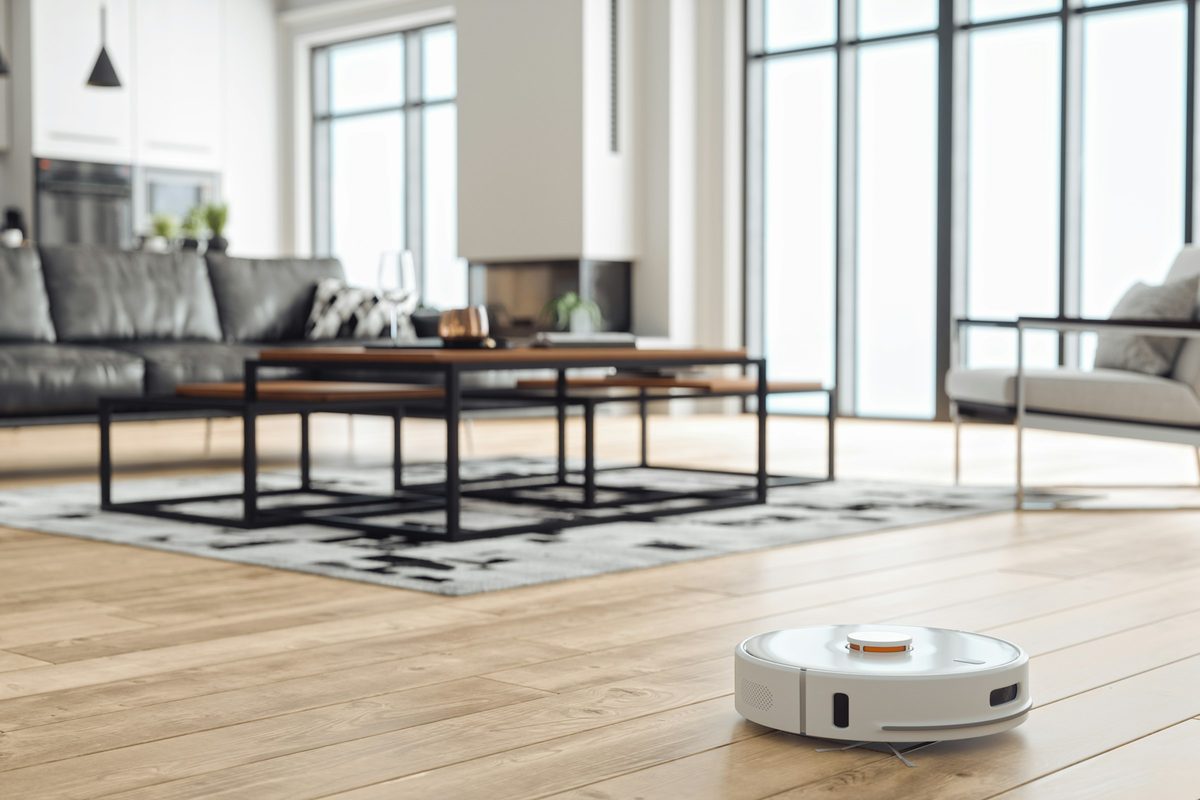
At our BMT team day one of the developers was talking about where AI is heading and how hackers were taking control of internet-enabled devices with lax security. He talked about the example of supermarket fridges hijacked in France that caused millions in damage. The next day I saw a post on LinkedIn about someone who gave Claude Code his parents’ TV model number, went to get a snack and came back to find it had stripped out the preinstalled apps and written a new home screen. Between the two I wanted to see what an AI agent could actually do with the devices in my own house, so I pointed Claude Code at my network and told it to work read-only.
What it found
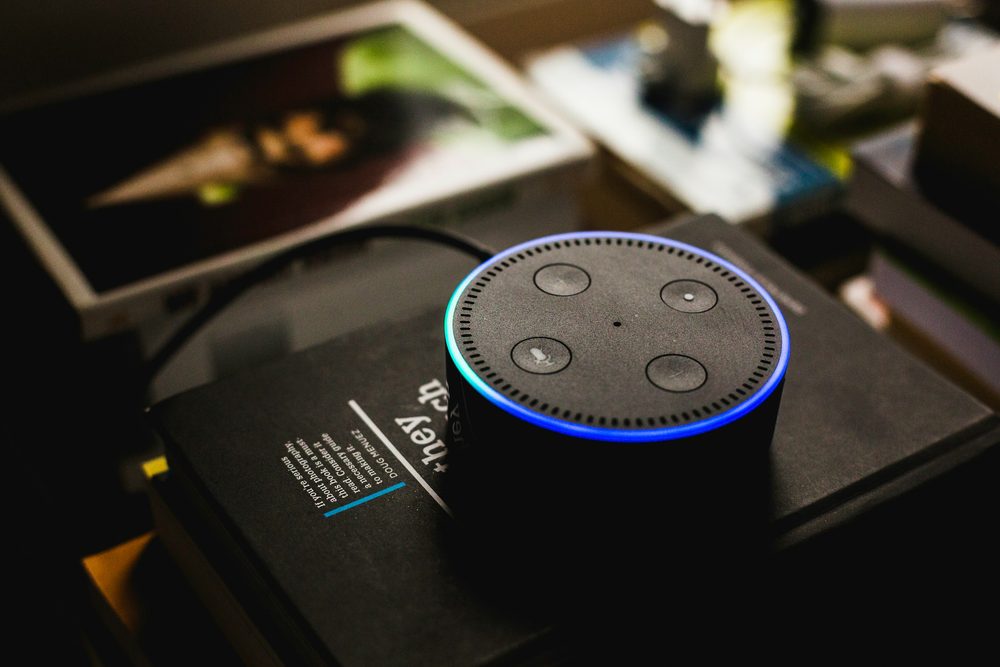
I have a few networks at home, a TP-Link LAN and a separate Starlink connection, and the agent scanned both. It worked entirely read-only, looking at what each device advertised rather than logging in to anything or changing a setting. It catalogued fifteen devices across the two networks, including the routers, a Samsung TV, three Amazon Echo devices, five Meross smart plugs, a robot vacuum and one device it could not identify.
I wanted to see whether the LinkedIn post was reliable, so I asked Claude whether it could change the software on my own TV to use my photos as a screensaver. It said no, and explained why rather than just failing. The TV runs locked-down, signed firmware, and the open ports only accept remote-control commands, not changes to the system. It had confirmed the Samsung set in the first place by the Tizen remote-control ports it had open. Getting past that would need either Samsung’s own developer mode or an unpatched exploit, and it declined to go looking for an exploit on a television I use every day, because the risk of bricking it was real and that was a different task from the read-only check I had asked for. It then found the straightforward answer, which is that a Fire TV stick plugged into the TV does exactly what I wanted with a few taps and no code at all. That restraint is the part worth paying attention to. The viral version of this story is an agent that does something dramatic to a TV. The useful version is an agent that tells you the dramatic thing is a bad idea and points you at the thirty-pound fix.
I then thought that some of my devices might have PHP vulnerabilities, as the PHP patch had been released the previous day, so I asked the agent whether any of these devices were affected by it and could be patched. None were. Home devices like routers, plugs, TVs and voice assistants run their own small embedded software rather than the kind of web server the PHP issue affected, and the agent found no trace of PHP on anything.
The actual risks
I then asked it to check whether the devices were secure, which is the question that matters more than any single vulnerability. I had the hacking examples in mind, where ordinary appliances get pulled into a botnet, and I wanted to know my own kit was not sitting open in the same way. It looked for the things that actually get home devices taken over, such as open telnet, admin panels with no password and outdated services with known vulnerabilities, and it found none of those patterns. The one thing worth reviewing was UPnP on the router, a feature that lets devices open ports to the internet without being asked, which is the common way something on a home network ends up reachable from outside without the owner realising.
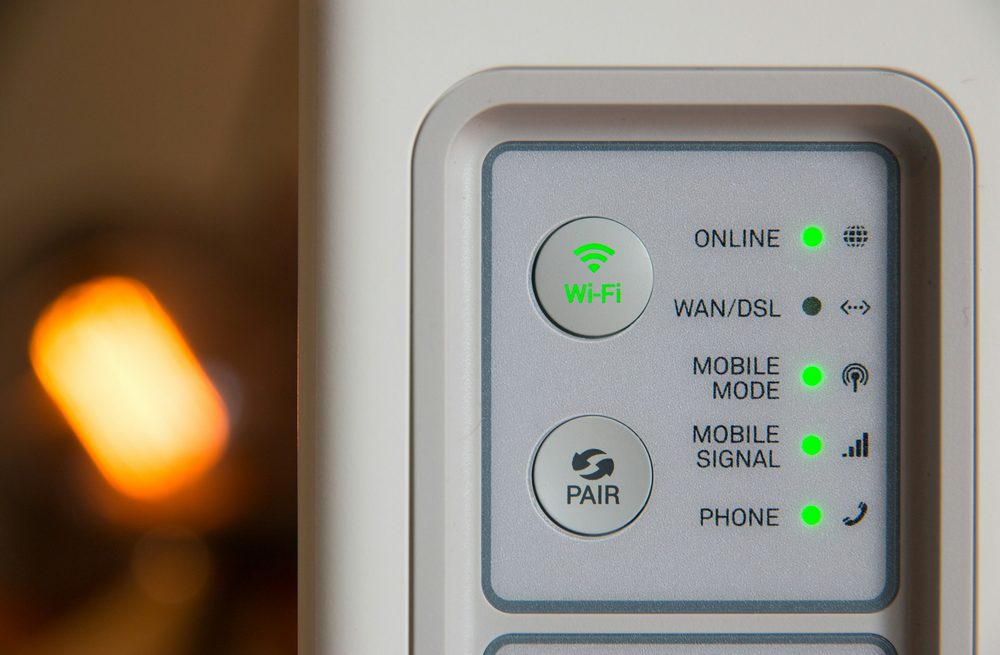
It was also clear about its own limits, which is where a lot of security tools oversell. Scanning from inside the network, it could not see what was exposed to the internet from outside and it had deliberately not tested whether anything still used a default password, because that crosses from looking into actively trying doors. When I did ask it to check the router passwords, it came back with a better answer than I expected. One router has no admin login to test at all and the other encrypts its password in the browser so a simple login attempt will not work, which is itself a reassuring sign. Its recommendation was to open the router page myself and confirm the password was not still the default, which took about thirty seconds and no code.
Turning it into a monthly habit
A one-off scan is a snapshot and the risks it looks for, a new device with a weak password or a forgotten port left open, turn up over time. So I asked Claude to build a small PowerShell script that saves a catalogue of the known devices and their open ports, then each month runs a fresh scan and compares the two, flagging anything new, any newly opened port and any device that has gone missing. It renders a full report and emails it to me and my partner through SendPulse, with the sending key stored encrypted on the PC rather than sitting in the script. The approach is the same one I used for the security monitoring tool I built for work that week. Collect from the devices themselves, compare against a known-good baseline and surface the few things that need a human.
The first run already proved its worth. It flagged two devices that were not in the original catalogue, both using the randomised hardware addresses that modern phones and laptops use for privacy, and it correctly reported the television as offline because it happened to be switched off. None of that is alarming, but it is exactly the kind of change you want a monthly check to notice and put in front of you, rather than finding out the hard way.
The result is the opposite of the LinkedIn post that started the investigation. The value was not an agent doing something impressive to my TV. It was an agent that mapped what I owned, talked me out of the risky idea, found the simple alternative and left me with a repeatable check I will actually run. The build is still a work in progress, I need to confirm the monthly job is scheduled and keep an eye on the first few reports, but the shape of it is already useful. If you would like something similar for your own devices or for the systems your business runs, I am happy to talk it through.
You may also like
Working on a product or workflow that needs to work better?
Whether the problem is an existing platform, a manual process, disconnected systems or an idea for automation or AI, I can help work out the right approach and take it into delivery.